emfred.com is many things,
one of them being a kind of personal portfolio for me (its creator). Hence, I often find myself sending links to the site to people who ask about me or my work, which of course involves typing out a link. 1
This lead to me getting annoyed with links to important content that were too long to easily type. So, I added aliases, which are just abbreviations for certain frequently-used url paths on the site.
For instance, I’d always get annoyed by typing out emfred.com/about/contact
when I wanted to link someone to my Contact page. Now, I’ve
added the alias “c for Contact”, so I can just type out emfred.com/c to
link someone to that page. Similarly, linking to Sketchbook pages
is now easier via the “s for Sketchbook” alias, enabling, for example, a
link to Sketchbook, Page 4 to be written as emfred.com/s/pg4.
A list of all active aliases can be found on the page /about/aliases.
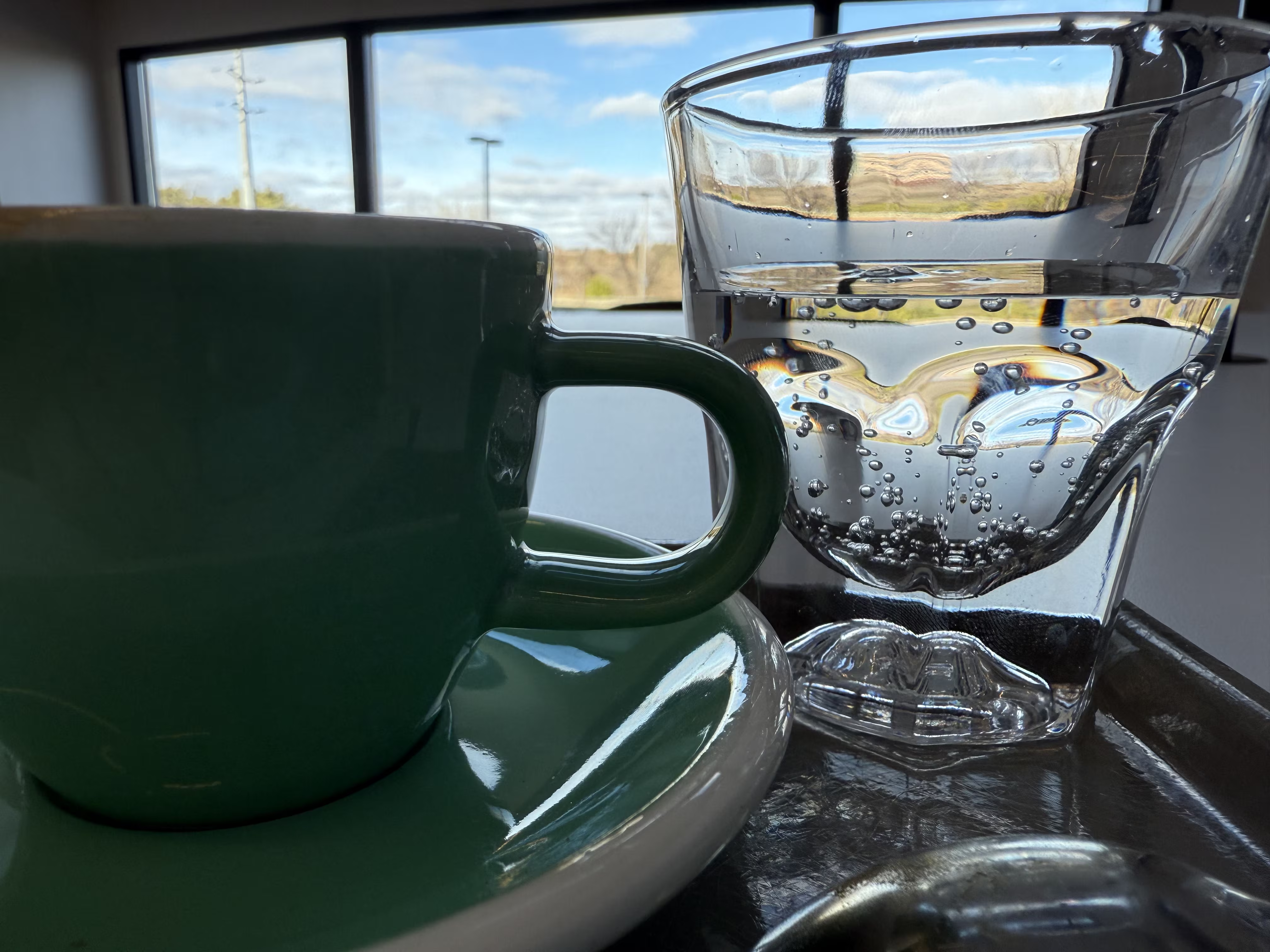
Banner image: “Palate Cleanser”. As the creator of this photo I declare it to be licensed under CC BY-NC-SA 4.0.
-
[1]: Typing out the link is usually faster than opening a browser to visually navigate to the desired page and then copy-paste the link text from the url-bar. This is especially true when the thing I want to link to isn’t accessible from any public page. (If you’re not aware yet, there’s a lot of hidden content on the site (unpublished audio files, etc)). ↩︎